Sovia DS

Digital signage software reimagined: Upgrade now!

The new soviaDS takes your existing digital signage workflow to the next level: create more modern designs, plan more flexibly, and deliver content more intelligently.

Modern user interface

Flexible scheduling

Slide Designer with Responsive Design

Active offline monitoring with automatic support notification

Discover now
Home
software
SoviaDS Upgrade

Plan more flexibly , design more modernly, and deliver content more intelligently —with the new soviaDS

With the new soviaDS, existing customers will have significantly more options for their daily work: a modernized interface, more flexible scheduling, greater creative freedom, and smart features for your existing digital signage systems.
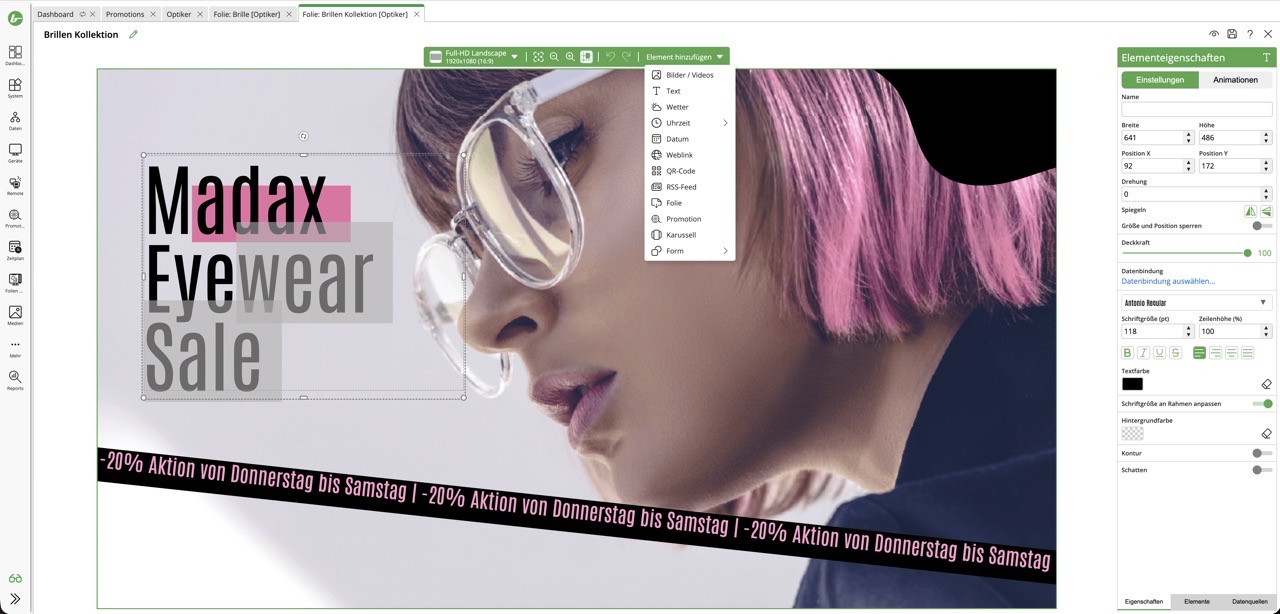
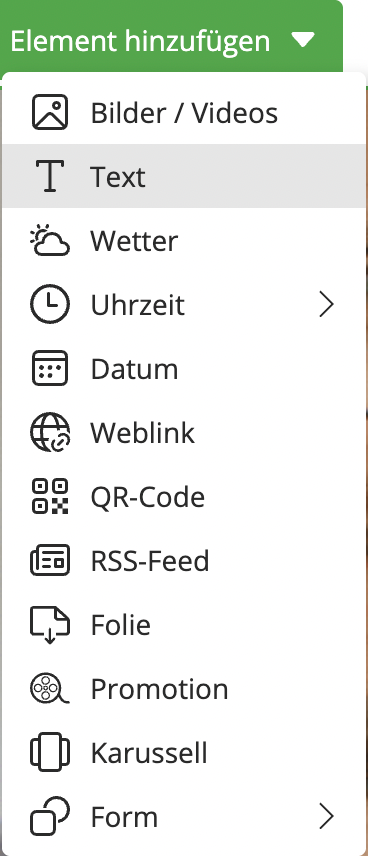
Image of a woman with pink hair and glasses in a digital signage editor, with the text "Madax Eyewear Sale."A drop-down menu with options for adding elements such as images, text, weather, time, date, web links, QR codes, and more.

Slide Designer with Responsive Design

Create content directly in soviaDS—with modern editing tools and greater creative freedom.

All-new Slides Designer

Shapes, Polygons, and Zoom Function

Upload your own fonts

Built-in QR code generator

Flexible content planning

Plan your content by time, location, conditions, and screen format directly in the easy-to-use schedule calendar.

Flexible scheduling

Responsive Content Designs

Weather-dependent playback

Dynamic rules and logic
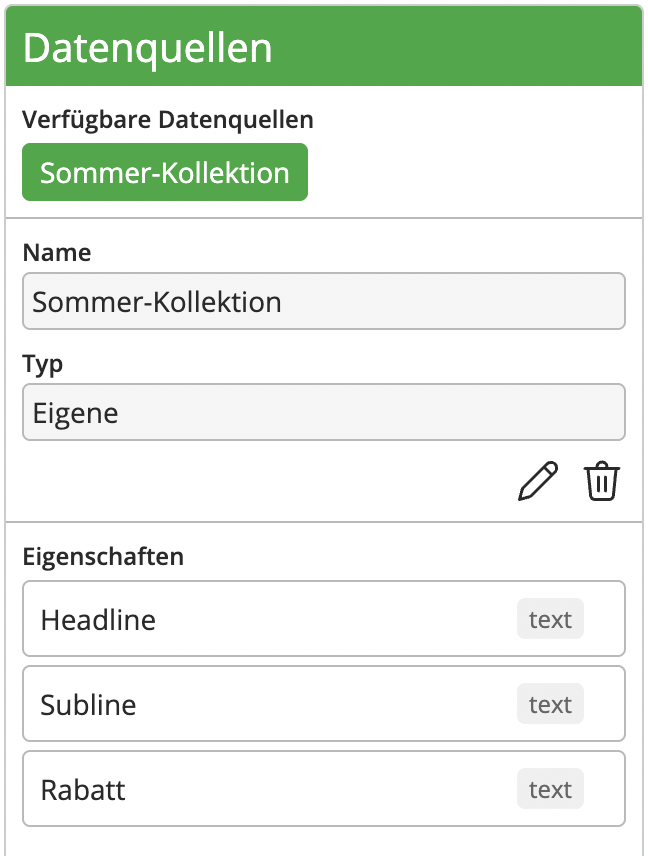
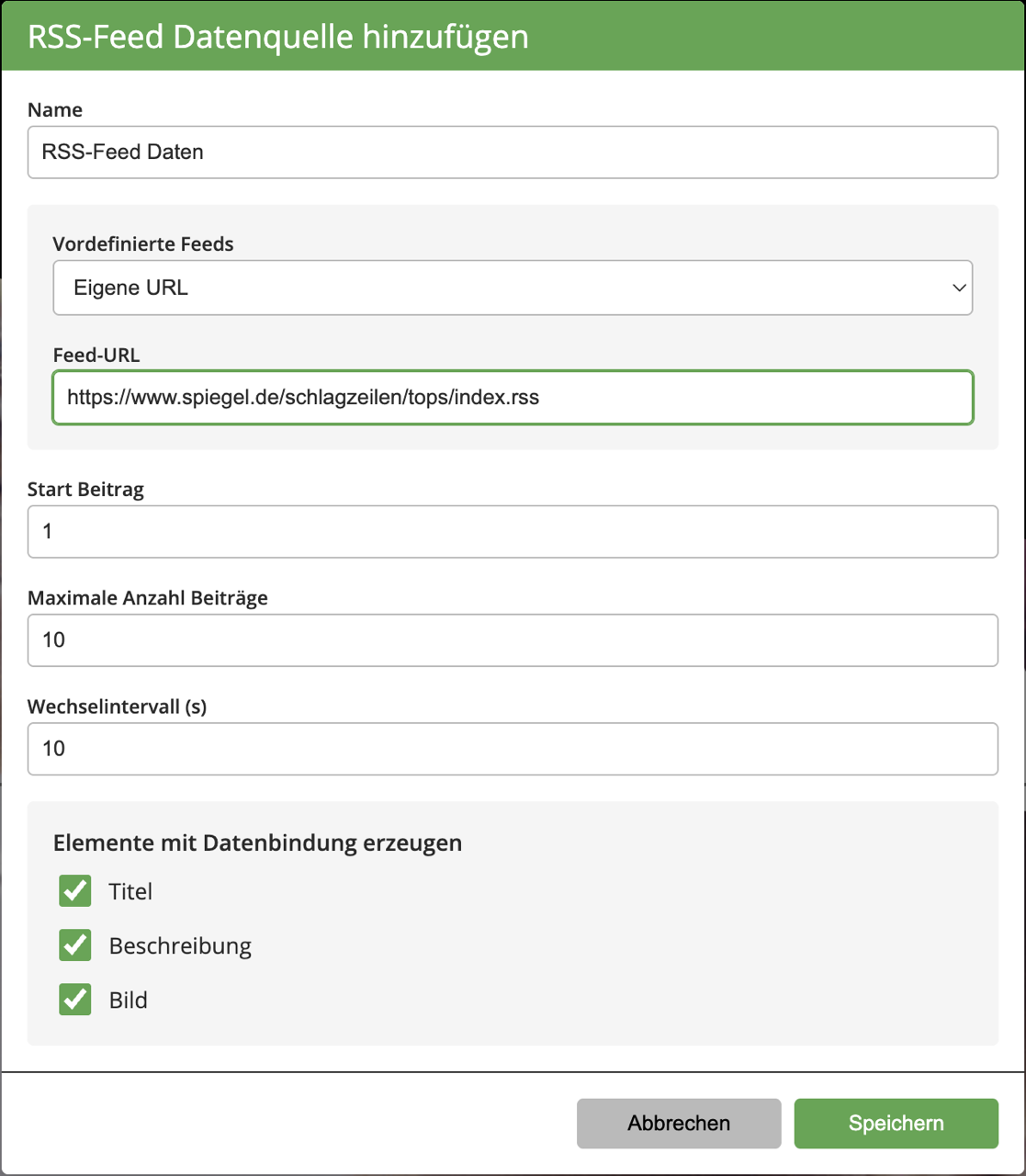
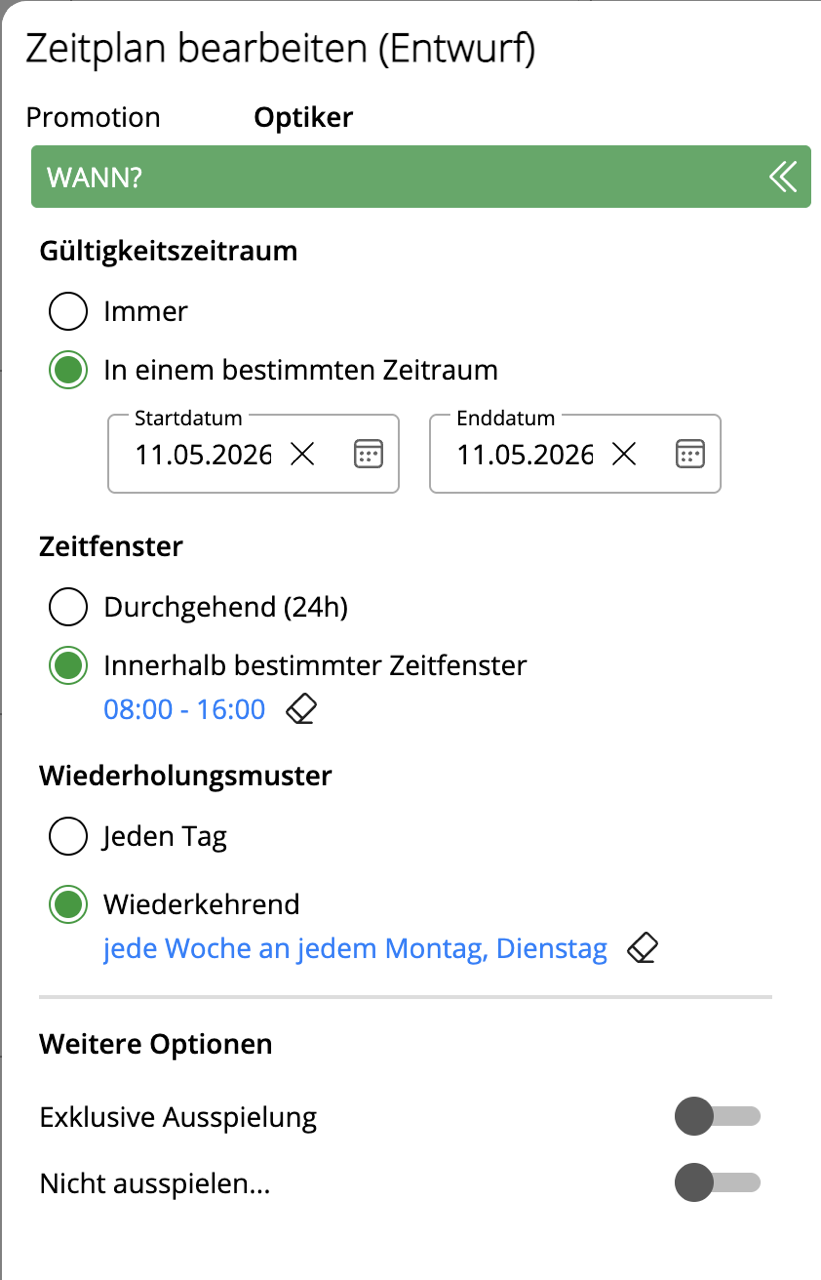
The user interface displays a pre-filled data source called "Summer Collection" with fields for headline, subline, and discount.Interface for adding an RSS feed data source with a URL, number of posts, and display options.Edit the schedule with the date and time range 8:00 a.m.–4:00 p.m., recurring weekly on Mondays and Tuesdays.
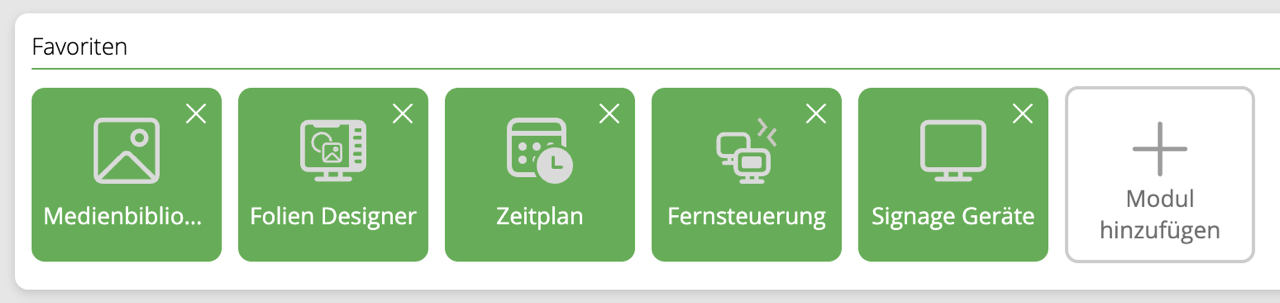
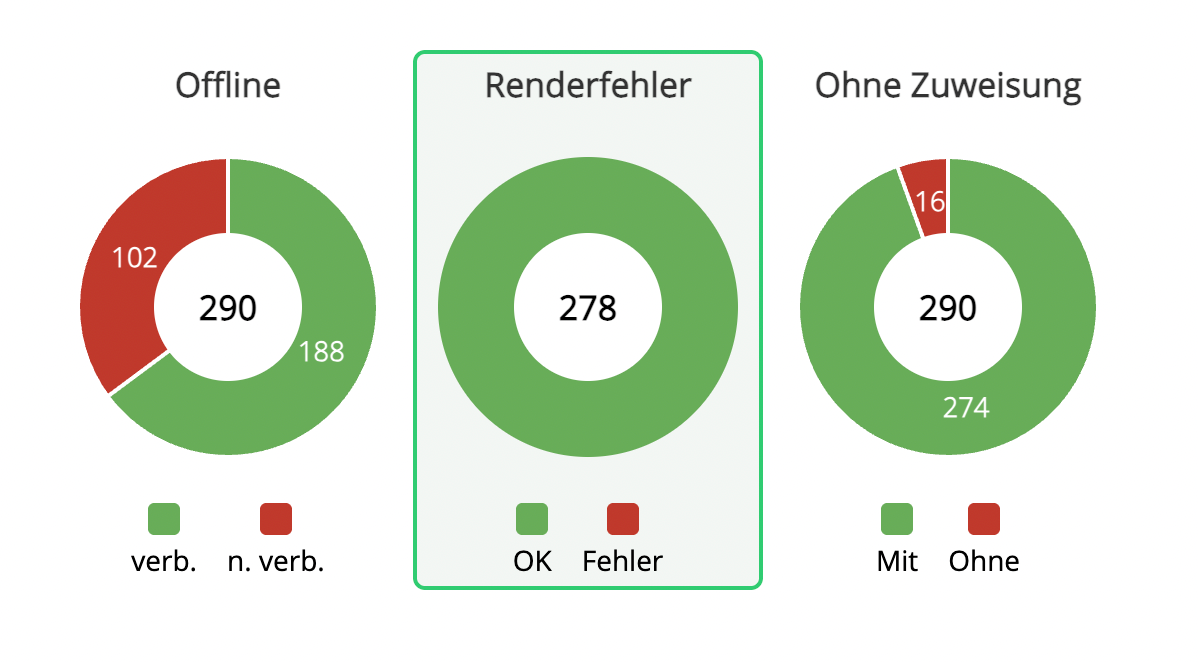
Dashboard favorites with green icons for the media library, slide designer, schedule, remote control, and signage devices.Three pie charts show the following statuses: Offline with 188 connections, Render error 278 OK, Unassigned 274.

Centralized Control and Monitoring

Keep a central overview of devices, content, and locations—including automated processes.

Live view on site

Active Offline Monitoring

Automatic support tickets

Analysis and reporting features

Everything you know—only more modern, more flexible, and more powerful.

Whether you’re already using soviaDS or currently using VisuScreen, the new generation of the platform expands your options and makes managing your content, devices, and locations much easier.

For existing soviaDS users

The soviaDS you know and love—completely reimagined. With flexible delivery options and significantly more creative possibilities.

New Film Designer
Responsive Designs
Custom fonts
Flexible scheduling
Weather & News
Create QR codes
VS Logo

For VisuScreen users

Welcome to the new generation of platforms: more control, more automation, and more possibilities for modern content.

Offline monitoring
Automated Support
Create QR codes
Restart Player
Simple Branch Management
Instagram Feed
Smart Features

Intelligent.
Dynamic.
Automated.

The new soviaDS doesn't just make content more attractive—it makes it smarter, too. Rules, data, and integrations ensure that the right content appears in the right place at the right time.

Weather-dependent content

Automatically display relevant content based on weather data.

AI-powered filtering

Find, manage, and use media more quickly and effectively.

Dynamic sources

Flexibly embed social media content, PDFs, databases, RSS feeds, web links, and media elements.

Learn more now

Ready for the new soviaDS?

Discover the new generation of platforms in a personal demo and find out which new features are particularly relevant for your existing solution .

Migration from VisuScreen

We make switching to
easy

Here's how the transition to the new software will take place, step by step.

1
Hardware Testing
We'll work with you to determine whether your hardware is compatible with the new software. Windows 11 is required for this.
2
Software Training
Self-paced learning, webinars, or one-on-one consultations. Choose your preferred training option.
3
Importing Your Content (for VisuScreen users only)
Your existing content will be automatically transferred from VisuScreen to the new CMS.
4
Upgrading the equipment
The devices will be updated to the new software within about a week after the training.
Free Consultation

Any questions about the upgrade?

We are available for you personally. We're happy to talk on the phone, correspond via email, and answer any questions you may have.

To the Contact Form
News directly to your inbox? Sign up here for our monthly newsletter.
Thank you very much. Please confirm your registration using the link we just sent you by email.
Please check your information.