A person is holding a smartphone with a vegan menu displayed on the screen next to a QR code sign labeled "Menu" on a wooden table.
More than just a static PDF

Digital & Interactive QR Code Menu

Software Demo Session
Home
Digital signage software
QR code for the menu

A New Take on the Digital Menu with a QR Code

Today, a QR code menu is more than just a link to a PDF file. With Bütema, you get a fully digital, interactive menu that your guests can access instantly with a single scan.

Your guests scan the QR code and navigate through a modern, clickable QR menu. No app required, no waiting time, and instant access.

Advantages over traditional solutions:
• No printing costs and can be updated at any time
• Hygienic and contactless
• Interactive experience instead of static content
• Perfect for dynamic offers and promotions

A close-up of a hand scrolling through a digital menu on a smartphone featuring dishes such as Salad Bowl and Poke Bowl.
A hand is holding a smartphone that is scanning a QR code; next to it is a display stand featuring a QR code and the text "Menu & Drinks."
fundamentals

What is a QR code menu?

A QR code menu is a digital menu featuring a QR code that guests can open directly on their smartphones. The key difference with Bütema:

Instead of a static PDF, you get an interactive MicroApp is created. This is based on:
• Digital signage software
• Integrated QR code generator

This creates a networked system that centrally controls content and displays it dynamically.  

Here's how the digital menu with a QR code works, step by step

Step 1:Create a digital menu on

You create your content as interactive digital menus within the system—not as simple PDF files.

Step 2:Uploading and Designing

Use the MicroApp Designer to create your menu online—customized and without any coding.

Step 3: Generate a QR code for "
"

Generate QR Code The system automatically generates QR codes for your QR menu.

Step 4:Scan guests using the "
"

Guests scan the code and navigate directly through the digital version—clickable, well-organized, and intuitive.
Numerous Possibilities

MicroApp Designer

With MicroApp Designer, you can design your own digital menu—quickly and without any programming knowledge. Using a user-friendly interface, you can create content via drag-and-drop and structure your menu exactly to your specifications.

Features at a glance:
• Tile-based design for clear, modern menus
• Easy management of content, images, and categories
• Preview function for various devices
• Quick customization of promotions and daily specials
• Intuitive operation for marketing and staff

Optionally, you can enhance your content visually, for example with embedded videos or interactive elements that make your menu even more engaging and guide your guests through the offerings.

Interactive Benefits of the Bütema Solution

The biggest difference from traditional QR code solutions: true interactivity.

Your digital menu offers:

• Clickable navigation through categories and menus

• Language selection for international guests

• Separate listings for items such as allergens

• Interactive content instead of static pages

Plus, everything is measurable:

• Track what guests click on

• Analytics on usage and behavior

• Data-driven optimization of your menu

One system for everything—from QR codes to displays

Another advantage: Your QR code menu is part of a comprehensive system.

If you also Digital Signage or digital menu boards:

• Identical layout and branding

• Content is managed centrally

• Changes to products are automatically applied everywhere

This means:
Change a dish—it updates simultaneously on
displays and the QR code menu.

Applications of the QR Code Menu

This solution is ideal for:

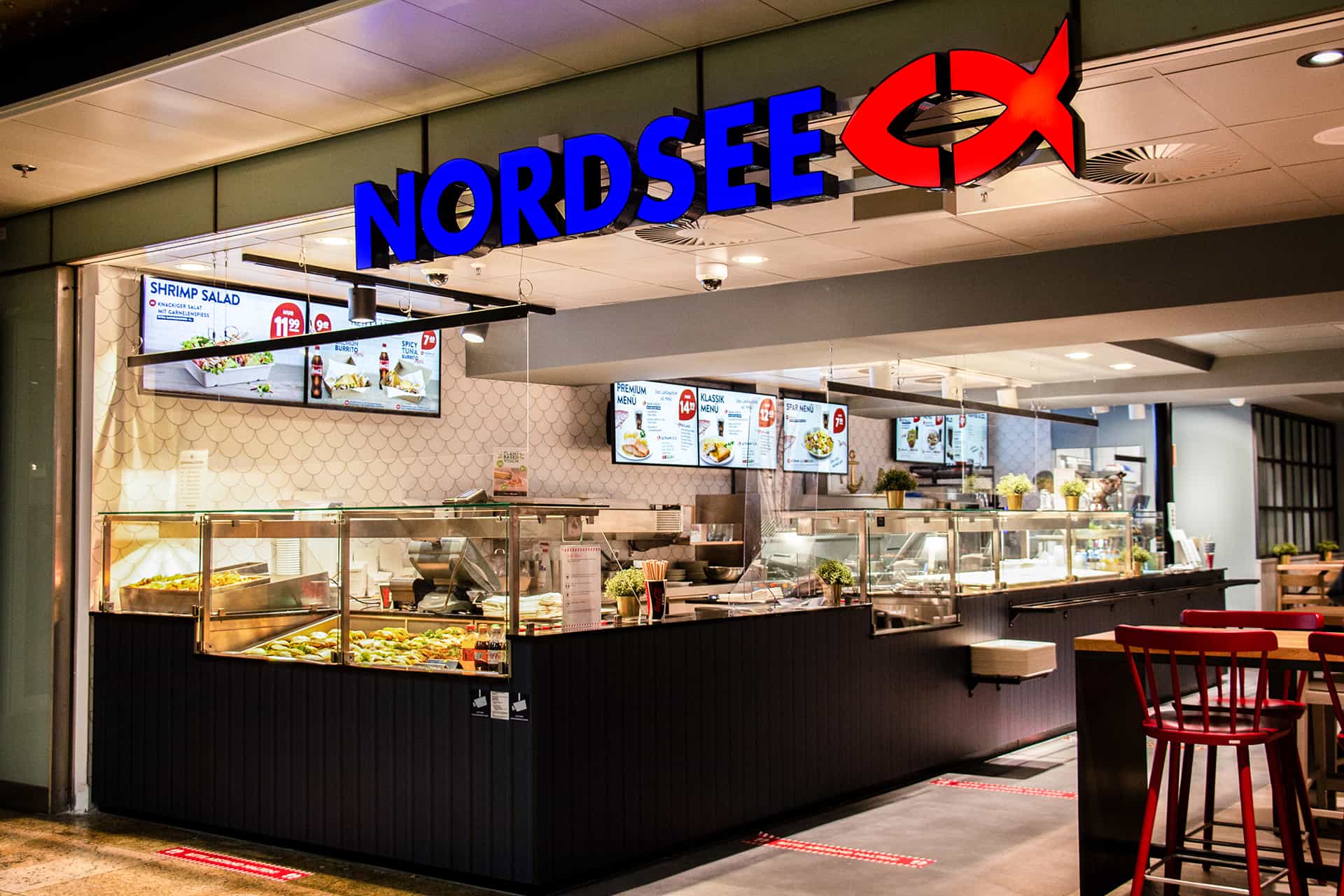
North Sea fish restaurant with illuminated blue lettering and red fish logo, with food counter and digital menu.

catering

Modern digital menus

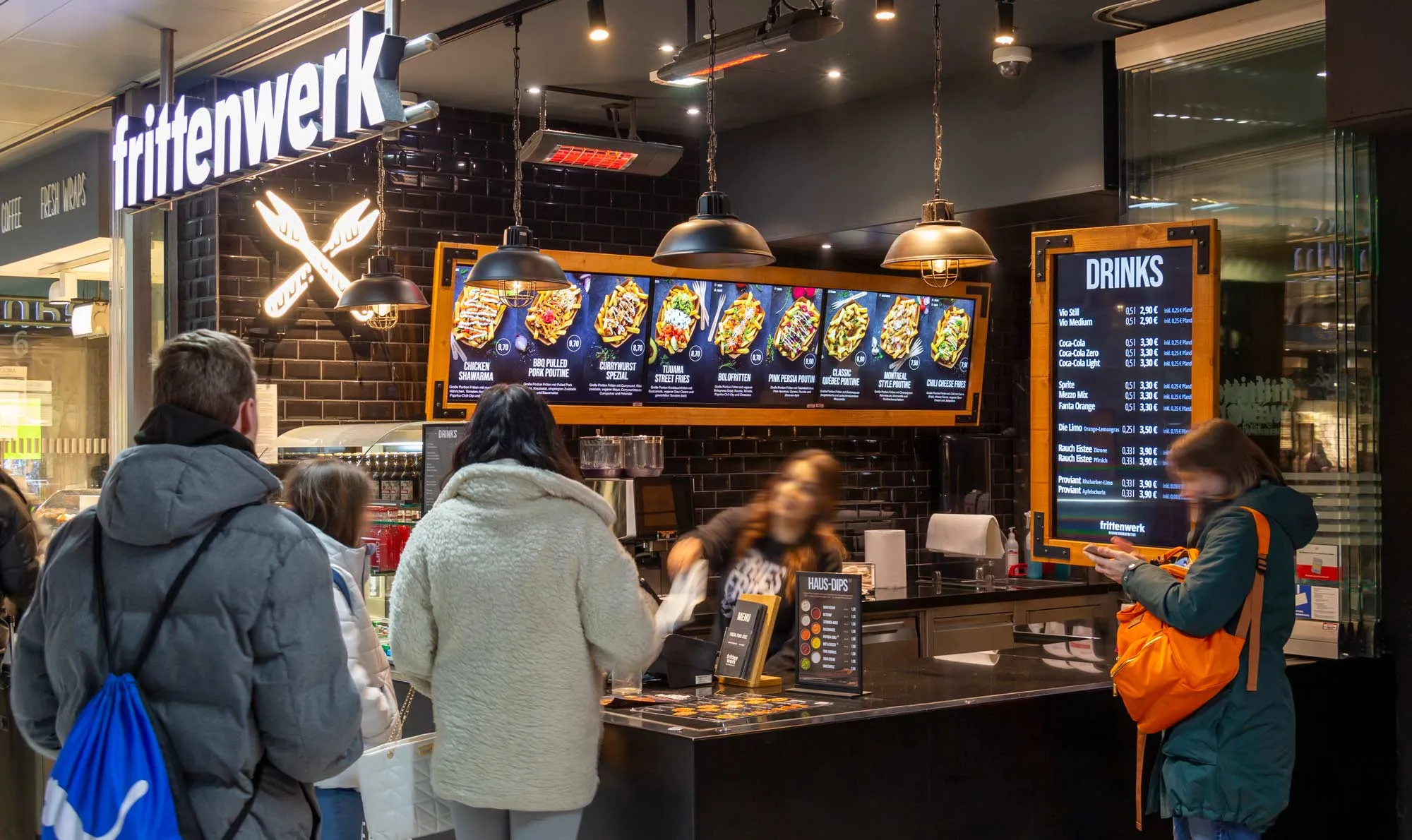
People are standing at the counter of a Frittenwerk snack bar with an illuminated menu and drinks board in a modern setting.

Takeout

Display of waiting times, appointments, and service information in medical practices and clinics.
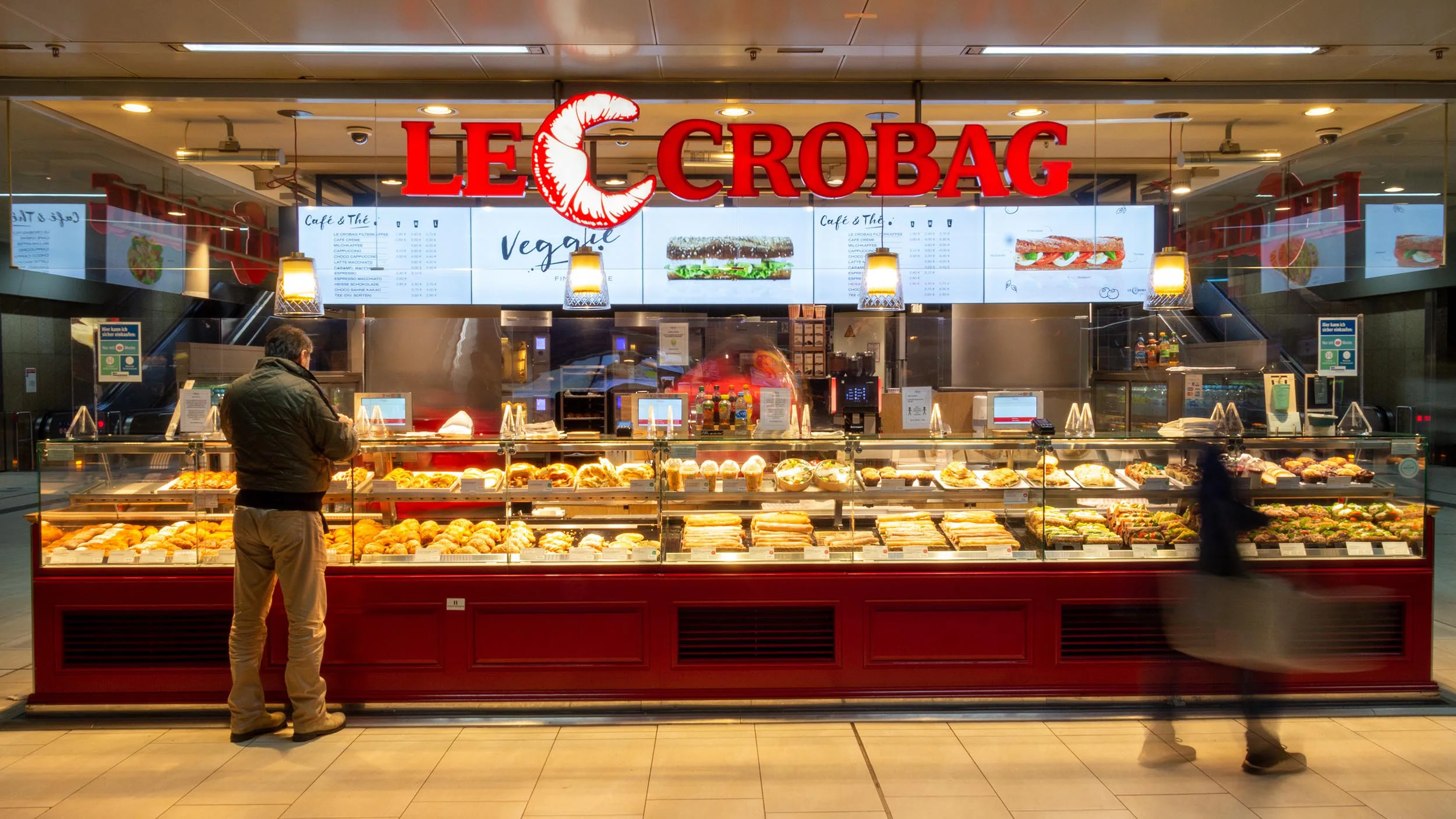
Le Crobag bakery with illuminated red logo and a counter full of various baked goods, with a customer and a passerby in front of it.

Chain stores

Centralized management of all locations
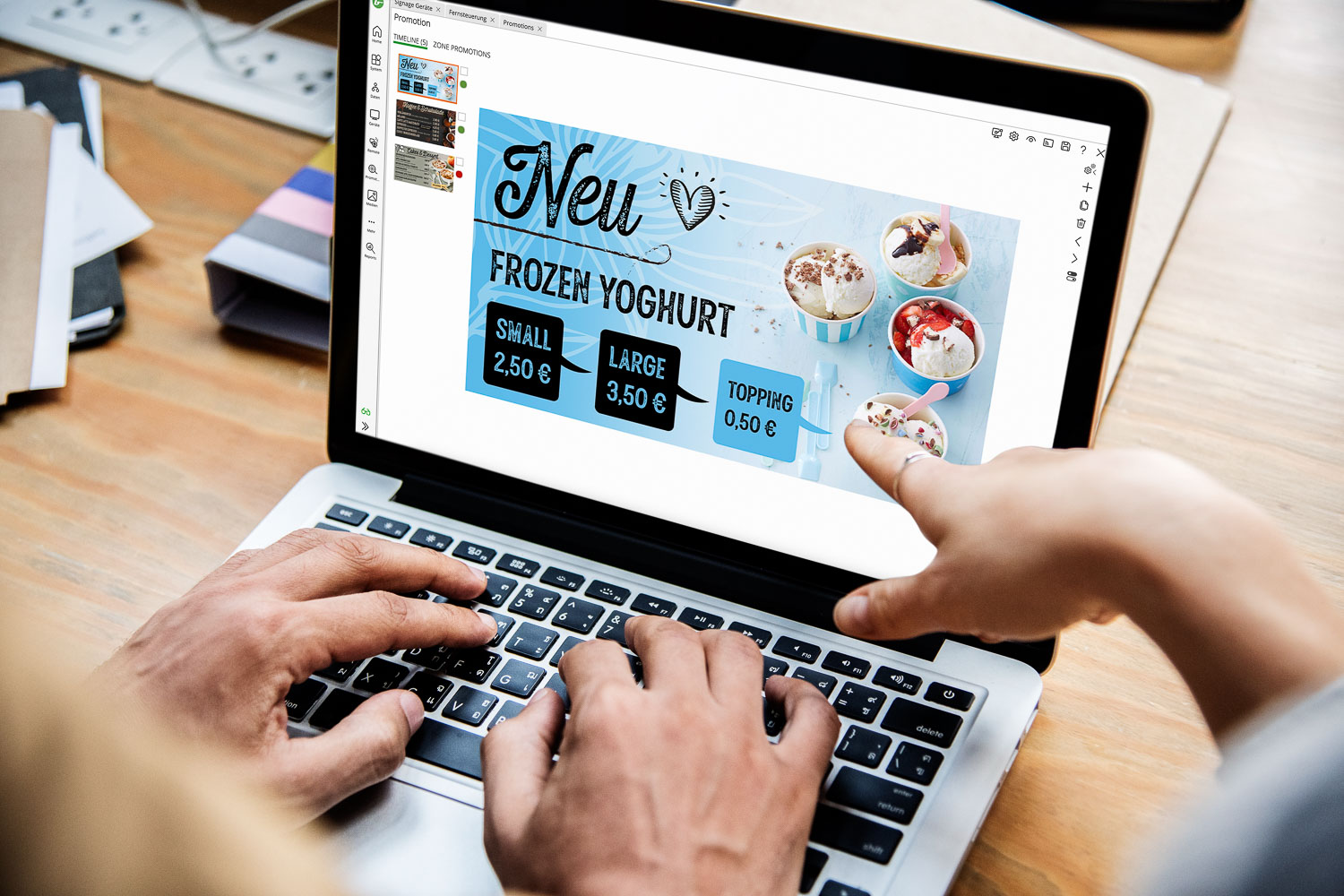
Two people are working on a laptop, whose screen displays an advertisement for frozen yogurt with prices.

Integration into the Bütema ecosystem

The QR code menu is fully integrated into the Bütema’s digital signage software from Bütema. This means that content is not managed in isolation, but is centrally controlled and displayed across all systems .

Changes to menus, products, or promotions are made in one place and are automatically applied to all relevant display channels. This creates a consistent, scalable communication solution with uniform branding and maximum efficiency.

No alternative

Comparison: QR Code Menu vs. Traditional Solutions

Traditional menus:

static, expensive, inflexible

usually just a link to a PDF file

Bütema QR Code Solution:

Interactive MicroApp instead of a PDF

central control

scalable across multiple locations

Fully integrable into digital signage systems

FAQ - Frequently asked questions about digital signage software

How do I create a QR code for a menu?

With Bütema, you don't just create a simple PDF; you create an interactive digital menu within the system and generate a QR code from it.

How do guests access it?

Guests scan the QR code and browse the digital menu directly—no app required.

Do you need an app?

No, you access it directly through your browser.

Can a PDF file be used?

Yes, it is technically possible—however, we recommend using the interactive MicroApp for maximum functionality.

Free Consultation

Request a demo now

With Bütema, you get more than just a QR code generator:
• interactive content instead of static content
• centralized management of all content
• consistent branding across all channels
• scalable for chain operations
• data-driven optimization through tracking

To the Contact Form
News directly to your inbox? Sign up here for our monthly newsletter.
The subscription could not be saved. Please try again.
Just one more step... We have just sent you an email. Please confirm your subscription by clicking the link in this email. Please also check your spam folder!

We use Brevo as our marketing platform. By submitting the form, you agree that the personal information you provide will be transferred to Brevo for processing in accordance with Brevo's Privacy Policy.